
Set up a DIRECTV Local Channel Connector
If you accepted a recent LCC antenna offer or received one in the mail, here’s how to set it up to watch local news, sports, and more on HR44 and HR54 receivers.

The Local Channel Connector (LCC) helps eligible DIRECTV Satellite customers watch available local broadcast channels using an indoor antenna connected to a compatible Genie receiver. (Genie 1 - HR44 or HR54)
How can I get a Local Channel Connector?
We'll notify you by email if you're eligible and provide information about how to request your LCC device at no charge. Note: The Local Channel Connector isn't available for DIRECTV via Internet (Streaming), U-verse TV, or other DIRECTV receiver models.
What does the Local Channel Connector do?
The Local Channel Connector receives available local broadcast stations through the included indoor antenna and integrates them into your DIRECTV experience, After setup, you can:
- Watch available local channels directly from the DIRECTV Guide
- Access local channels on your compatible Genie receiver and Genie Mini devices
- Record up to two local channels at the same time
- Watch on local channel while recording another
- Use accessibility features like Cloud Captioning and the Talking Guide
How do I install Local Channel Connector?
- The LCC is designed for self-installation, you can set it up in just a few minutes by following the included instructions and on-screen prompts.
- The LCC connects directly to your compatible Genie receiver using the included USB cable.
- For the best results, place antenna on or near an exterior window and away from large metal objects that may interfere with reception.
- LCC can't guarantee reception for every local channel.
Set up your Local Channel Connector (LCC)
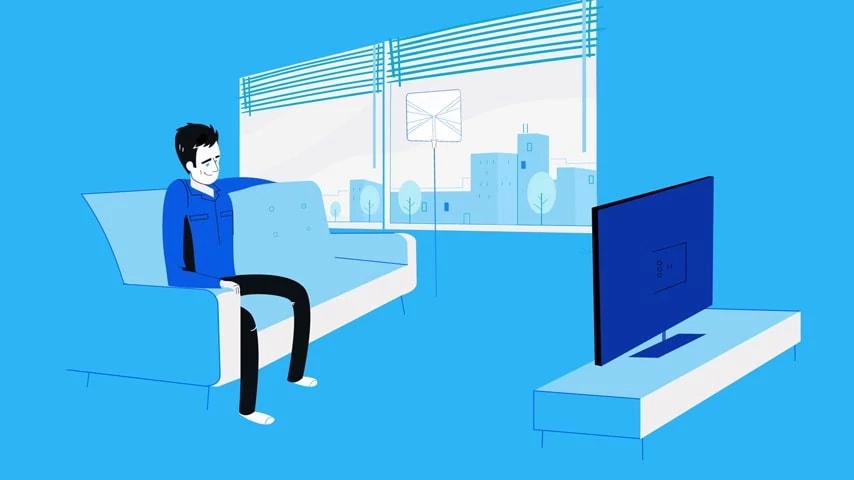
- View this helpful video on how set up your Local Channel Connector and access troubleshooting tips.
- Or, follow these steps to set up your LCC:
- Connect the antenna splitter to the antenna power adapter using the mini-USB cable from your kit and plug it in to an outlet. This boosts the antenna’s reach.
- Connect the antenna’s coax cable to the LCC.
- Plug the LCC’s USB cable into your receiver’s USB port.
- Insert the LCC power adapter into the LCC. Plug the power adaptor into the outlet, the LED light on the USB plug comes on, and the TV displays message: New Over-the-Air Tuner Found.
- Once connected, your LCC picks up the local channels available at your location you can, you can now tune to your local channels or record up to 2 channels at the same time.
Over-the-air channels are identified by channels numbers such as 4-1 or 6-1. Depending on your channel display settings, both satellite-delivered and over-the-air versions of a local channel may appear in your guide.
- To view settings, go to Menu >Settings >Sat & Antenna
Troubleshooting
See the Local Channel Connector Guide (PDF, 1 MB) for set up info and troubleshooting tips.
If you're missing channels:
- Restart your Genie receiver
- Make sure all Local Channel Connector and antenna cables are securely connected
- Disconnect the antenna power supply for 10 seconds, then plug it back in. Move the antenna closer to an exterior window and run setup again.
- Repeat the antenna setup process:
- Press Menu
- Select Settings
- Select Sat & Antenna
- Select Over-the-air Antenna Setup
- Select Start Setup
Receiving a weak signal message?
- This message appears when the antenna can't receive a strong enough broadcast signal for the selected channel. Try moving the antenna closer to a window, re-running setup or checking your signal strength at signalstrength.directv.com
Frequently Asked Questions
Will I receive every local channel?
Available channels depend on the signal strength of local broadcast signals at your home. Some channels may not be available or may have reduced reception based on your location and other environmental factors.
Can I record local channels?
Yes. The LCC includes 2 tuners, allowing you to record up to 2 local channels at the same time. You can also watch one local channel while recording another. Important: If you switch from a satellite-delivered local channel to an over-the-air version, you may need to create new recordings for those channels.
Can I watch local channels on every TV?
Local channels received through the Local Channel Connector are available on your compatible Genie receiver and connected Genie Mini devices. Other receiver models won't display these channels.
If I stop using the LCC do I need to return is?
No. The device is yours to keep.